Team Collaboration for Link Management: How to Work Better Together with appsbitly.com
Marketing is rarely a solo effort. Most businesses have teams of people working together — content creators, social media managers, PPC specialists, email marketers, and account managers — all of whom need access to shared links, campaigns, and analytics data. Managing all of this manually, with spreadsheets and shared documents, is a recipe for confusion.
appsbitly.com solves this with built-in team collaboration features that let you invite team members, assign specific permissions, and work together seamlessly across all your link management tasks.
Why Team Collaboration Features Matter
When your whole team is working from the same platform, everyone has access to the same data, the same links, and the same analytics. There is no confusion about which version of a link is correct, no duplicated work, and no gaps in visibility. Team features also let managers set boundaries — so a junior team member can create links but cannot delete them, or a client can view reports without being able to modify anything.
Inviting Team Members to appsbitly.com
Adding a new team member is straightforward. From your account settings, you navigate to the team management section, enter the team member’s email address, and send an invitation. They will receive an email with instructions to create their account or log in if they already have one. Once they accept, they are part of your team and can start working right away.
Setting Roles and Permissions
Not everyone on your team needs the same level of access. appsbitly.com lets you assign specific privileges to each team member, so they can only access and modify what they need to. Common role structures include administrators who have full access to everything, editors who can create and modify links and campaigns but cannot manage billing or delete accounts, viewers who can see reports and analytics but cannot make changes, and guest or client access for sharing specific data with external stakeholders.
By assigning the right permissions to the right people, you protect sensitive data, prevent accidental changes, and keep your workflow organized.
Working with Multiple Workspaces
For agencies or businesses that manage multiple brands or clients, workspaces are a powerful organizational tool. Each workspace in appsbitly.com acts as a separate environment with its own links, campaigns, and settings. You can switch between workspaces easily and assign different team members to different workspaces based on which clients or brands they are responsible for.
This is far more organized than trying to keep everything in a single account and filtering by name or label.
Organizing Work with Campaigns
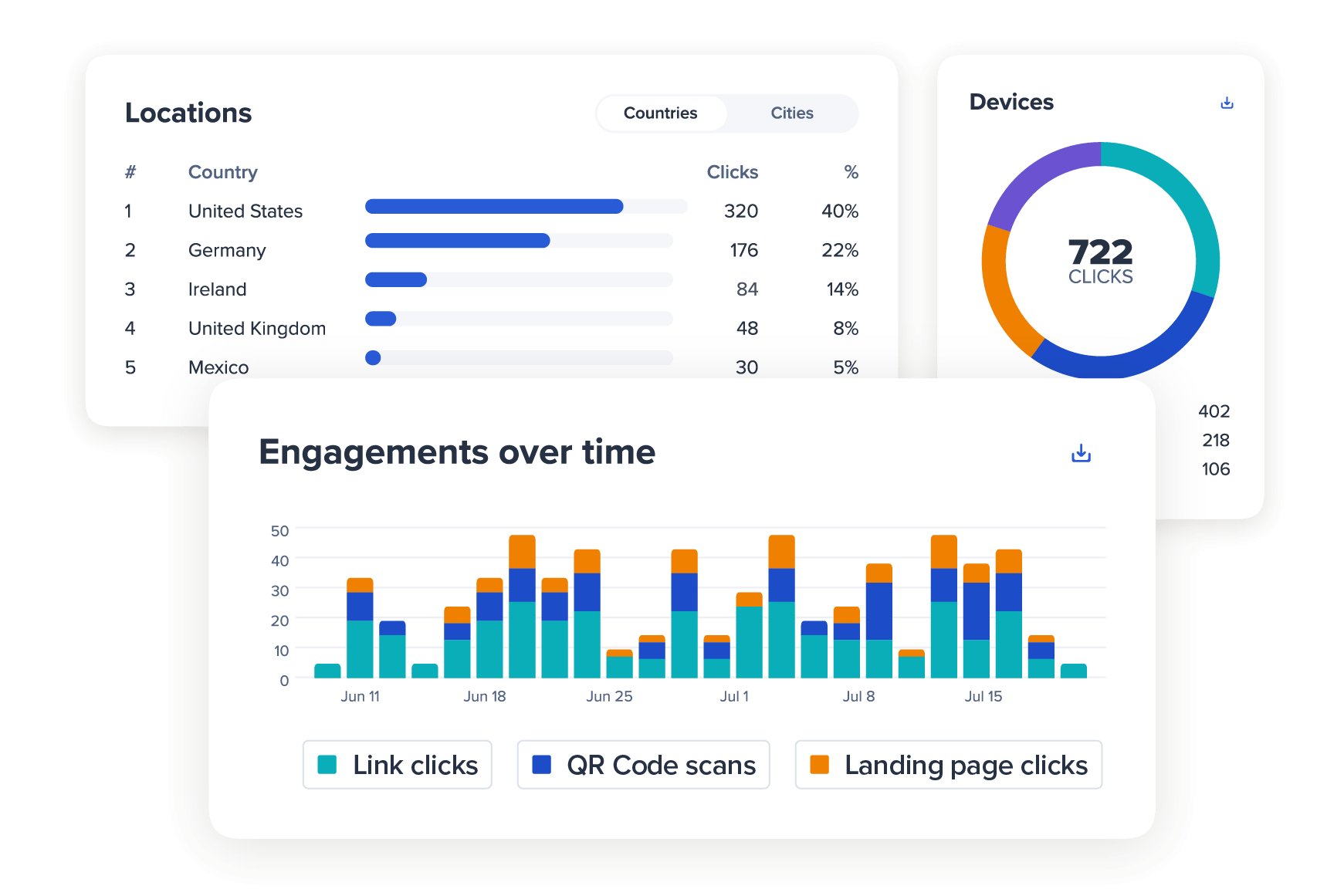
Within your team, campaigns are the best way to organize related links together. A campaign might represent a product launch, a seasonal promotion, a specific social media push, or any other marketing initiative. By grouping links into campaigns, team members can find what they need quickly, see aggregated performance data across all links in a campaign, and report on the campaign as a whole rather than link by link.
This makes post-campaign reporting much easier and gives the whole team a shared view of what is performing.
Notifications and Collaboration
appsbitly.com integrates with tools like Slack, so your team can receive notifications when links hit certain click thresholds, when new links are created, or when campaigns go live. This keeps everyone in the loop without requiring constant manual check-ins.
For Agencies Managing Client Links
If you are a marketing agency, appsbitly.com’s team and workspace features are particularly valuable. You can set up a dedicated workspace for each client, invite client contacts as viewers so they can see their own data without accessing other clients’ information, and generate clean reports to share in review meetings. Having all client links centralized in one place also makes it much easier to maintain brand consistency and keep track of what has been shared on behalf of each client.
Build a More Organized Marketing Team
If your team is currently managing links in spreadsheets, Slack messages, or shared Google Docs, it is time to upgrade. appsbitly.com gives you a proper collaboration platform where every team member has the right access, every link is organized, and every campaign is measurable. Invite your first team member today and see how much smoother your link management workflow can be.