How to Use the appsbitly.com Developer API to Build Custom Link Management Solutions
If you are a developer or a business with technical resources, the appsbitly.com Developer API opens up a world of possibilities beyond what the standard web interface offers. You can automate link creation, pull analytics data into your own dashboards, integrate short links into your existing applications, and build custom workflows that save your team time and effort.
In this guide, we will explore what the appsbitly.com API can do, common use cases, and how to get started.
What Is the appsbitly.com API?
The appsbitly.com API is a RESTful interface that allows developers to interact with the platform programmatically. Using standard HTTP requests, you can create short links, retrieve analytics data, manage QR codes, update or delete links, and access all the core features of the platform without ever touching the web interface manually.
The API is well-documented and supports standard authentication methods, making it accessible to developers of all experience levels.
Common Use Cases for the API
Automated Link Generation — If your business creates hundreds or thousands of links regularly — for a content platform, an affiliate network, or a marketing automation system — the API lets you generate short links programmatically without manual effort.
CRM and Marketing Tool Integration — Connect appsbitly.com to your CRM, email marketing platform, or marketing automation tool so that short links are created automatically whenever you create a new campaign or asset.
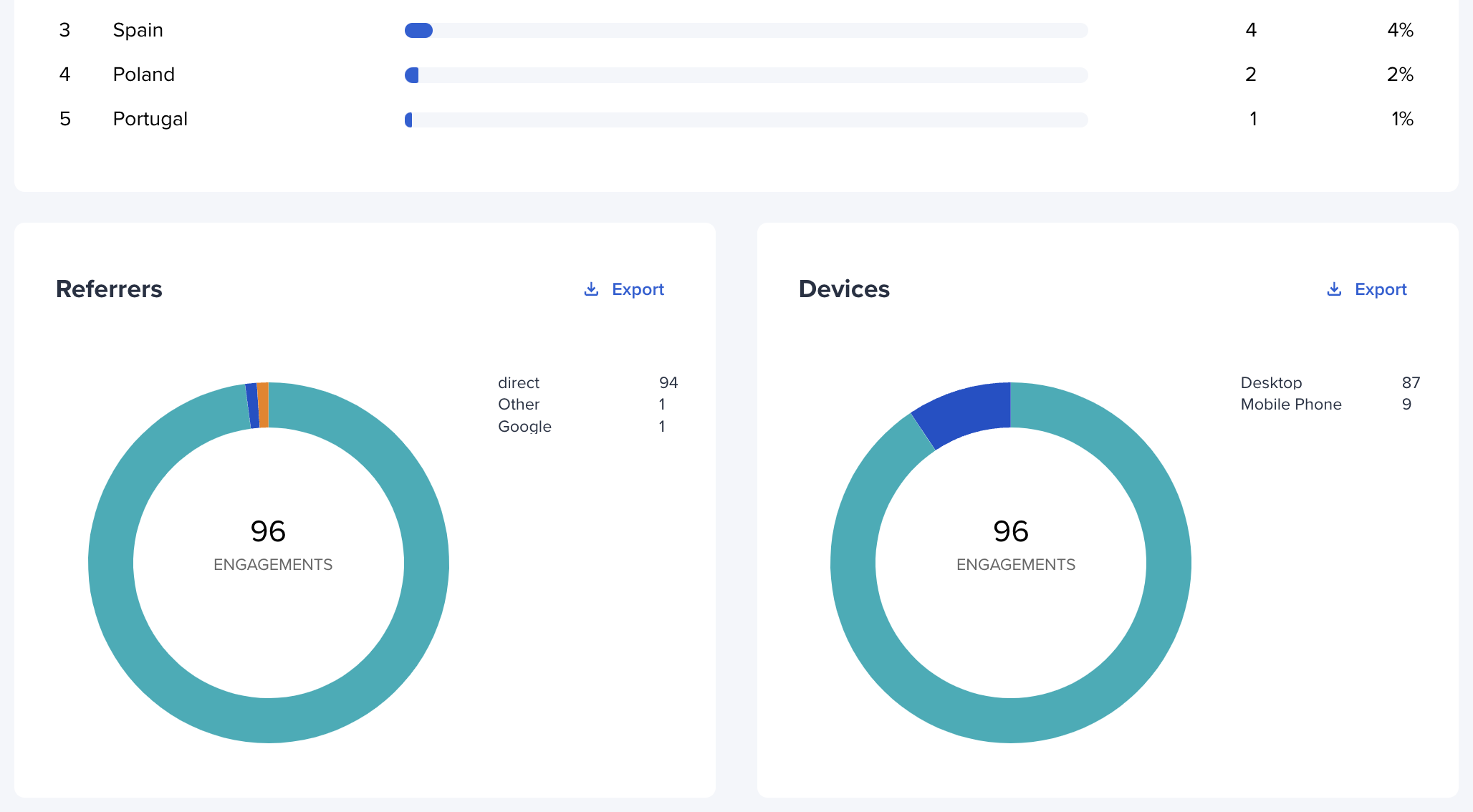
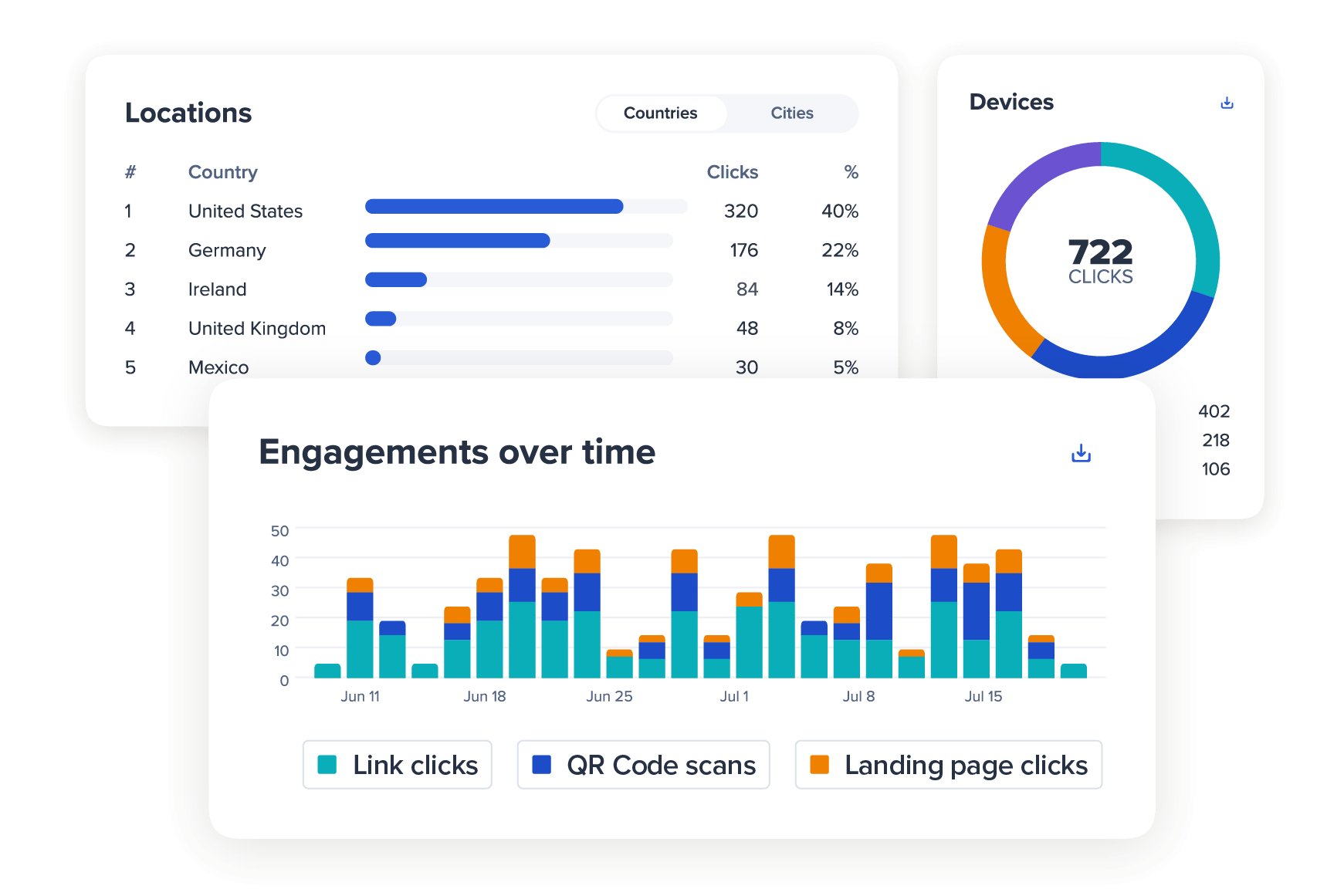
Custom Analytics Dashboards — Pull click data, geographic information, and performance metrics from appsbitly.com into your own business intelligence tools or dashboards. This is especially useful for agencies managing multiple clients or brands.
E-Commerce Product Links — Automatically create short links for every product in your store. When you add a new product, the API creates a corresponding short link instantly.
Content Management Systems — If you run a blog or content platform, integrate the API so that every article or page is automatically given a short link when it is published.
SaaS Applications — If you are building a SaaS product, you can embed URL shortening functionality directly into your platform by connecting to the appsbitly.com API — giving your users access to short links without leaving your app.
Getting Started with the API
To get started, log into your appsbitly.com account and navigate to the Developer API section. There you will find your unique API key, which authenticates your requests. Keep your API key secure and never expose it publicly in client-side code.
The documentation walks you through every available endpoint, the request format, authentication requirements, and example responses. The API uses standard JSON formatting, making it easy to parse responses in any programming language.
Example API Workflow
Here is a simple example of what an automated workflow might look like using the API. When a new product is added to your e-commerce store, a webhook triggers your application. Your application sends a POST request to the appsbitly.com API with the product page URL. The API returns a short link. Your application saves that short link and uses it in your product emails, social media posts, and marketing campaigns. When the campaign is over, you pull click analytics from the API to measure performance.
This entire process can happen in real time, without any manual work.
Rate Limits and Best Practices
When using any API, it is important to respect rate limits. The appsbitly.com API has rate limits in place to ensure consistent performance for all users. Build retry logic into your application for cases when you hit rate limits. Cache analytics data where possible instead of making repeated requests for the same information. Batch link creation requests where your platform allows it. Store your API key in environment variables, never in your source code.
Build Something Great
The appsbitly.com Developer API is designed for teams and developers who want to go beyond the standard web interface and build something truly custom. Whether you are automating your marketing workflows, building an integration, or embedding URL shortening into your own product, the API gives you the flexibility and power to do it.
Visit the Developer API documentation at appsbitly.com/developers to explore all available endpoints and start building today.